 software-architecture.ai
Beyond Vibe Coding: Why AI-Assisted Software Development Is Not a Toy
Maybe you have seen it on LinkedIn. Or a friend told you about it. Someone posts a video where a complete app is built in twenty minutes. By voice command. With AI. They call it “vibe coding.” A colleague says she built her customer portal “over the weekend with AI.” And you wonder: is that real? Can anyone build software now? Or is it just the highlight reel that leaves out what happened next?
Both are partly true. The tools are impressive. And at the same time, these videos only show a fraction of the truth. Let me explain why.
“Vibe Coding” vs. Professional Software Development
First, the most important thing: the tools are real. GitHub Copilot, Claude Code, Cursor, and similar tools have noticeably changed the way developers work. Code is created faster. Prototypes are ready in hours instead of days. This is not hype. It is a genuine shift.
But the term “vibe coding” suggests something problematic: that you can program without structure, without a plan, essentially by feel. That twenty years of engineering discipline would suddenly be obsolete.
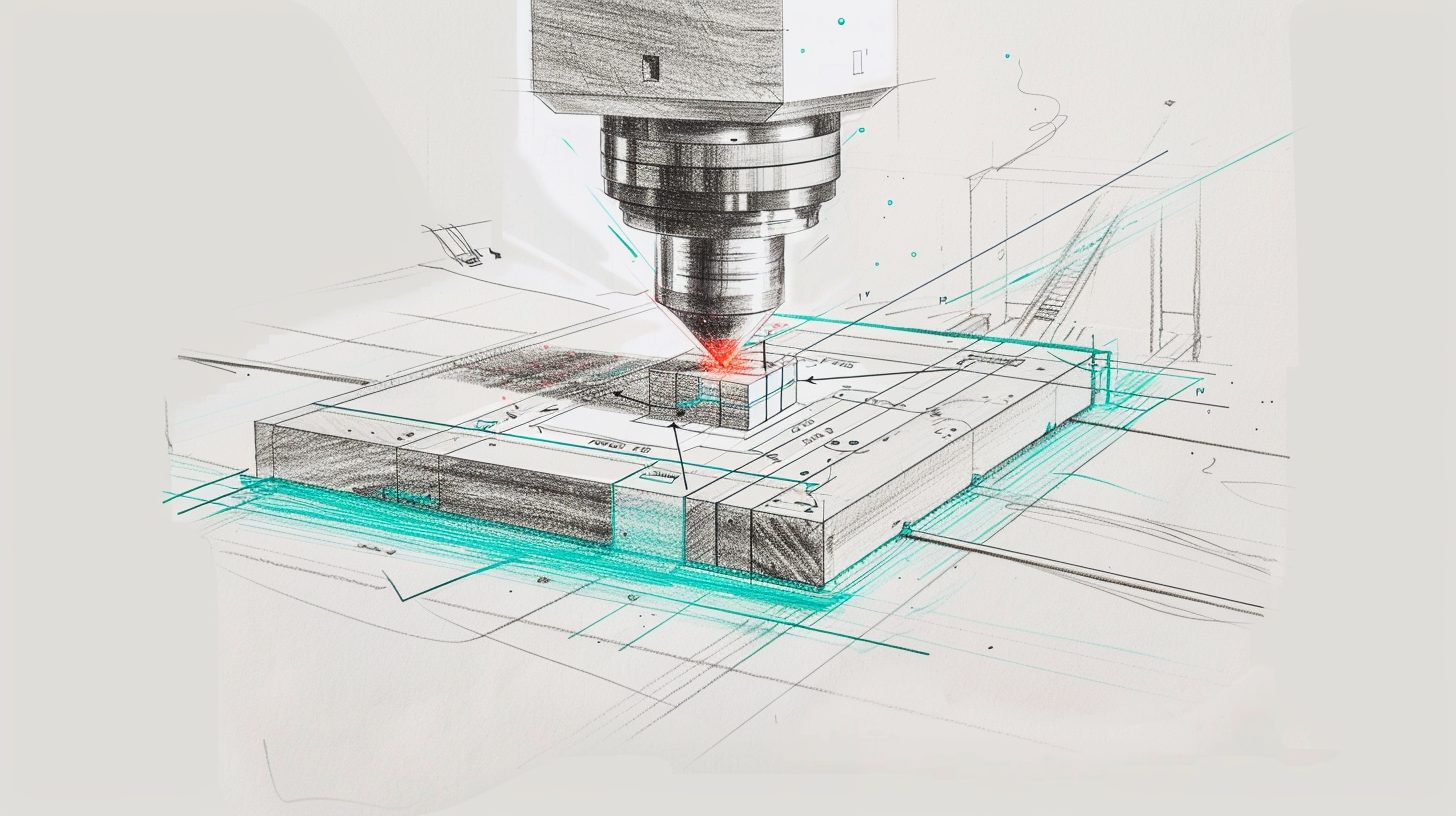
I like to use an analogy from manufacturing: a CNC milling machine dramatically accelerated metalworking. But nobody would call that “vibe milling.” The machine is fast, precise, and powerful. But it is only as good as the engineering behind it: the technical drawing, the material selection, the quality control. Without that, it produces scrap. Quickly, but scrap.
AI-assisted software development works the same way. Code generation has gotten faster. But architecture, testing, integration, deployment, and maintenance still require discipline. The machine has changed. The craft has not.
Twenty Years of Quality Assurance Still Apply
The software industry has invested enormously in quality over the past two decades. Automated tests that verify code does what it should. CI/CD pipelines that automatically build and deploy every change. Code reviews where a second pair of eyes examines the code. Linters and formatting tools that ensure consistent style. Agile methods that prevent development and business requirements from drifting apart.
These are not bureaucratic hurdles. They are guardrails. And guardrails are what make speed sustainable. Without them, fast development is like driving fast without brakes: impressive until something goes wrong.
AI does not replace these guardrails. It accelerates the work within them. Developers still write tests, go through reviews, deploy via CI/CD pipelines. The difference: they do it faster. The code is created faster. The tests are created faster. But the process remains professional.
And new skills are even emerging: reviewing AI-generated code requires a different eye than reviewing code you wrote yourself. You need to recognize patterns the AI favors, identify edge cases it overlooks, and question architectural decisions it makes implicitly. That is more demanding, not easier.
Why Software Is Suddenly Becoming Affordable
For you as the owner of a small business, this has a very concrete consequence: custom software is becoming affordable.
Until now, the math was simple: tailor-made software meant at least six-figure budgets, often seven figures. For a company with five to ten employees, that was hard to justify. So people lived with Excel, standard tools, and workaround processes.
AI-assisted development shifts that equation dramatically. Tasks that cost an experienced developer a full week can potentially be done in one or two days. Projects that used to come in at 80,000 euros can potentially land in the 15,000 to 20,000 euro range. Smaller automations that once required 20,000 euros could be achievable at 3,000 to 5,000 euros. In some cases, the leverage is even greater. These are illustrative ranges, not fixed prices. Every project is different. But the direction is clear.
Custom software is no longer an enterprise privilege. For small businesses, this opens up a possibility that did not exist before: software that fits your exact processes, at a price that can make sense.
Three Scenarios Where This Can Already Pay Off
To keep this from staying abstract, here are three hypothetical scenarios. They are fictional, but they reflect typical patterns commonly found in small businesses.
Scenario 1: Carpentry Shop with Automated Quote Calculation
Imagine a carpentry shop with five employees. The master carpenter spends four to six hours per week creating quotes. For each quote: take measurements, look up material prices, calculate, format, send. About ninety minutes per quote.
Suppose a custom tool handles most of that: enter measurements, the system calculates material costs based on current price lists, generates a formatted quote in the company style. The master reviews, adjusts if needed, and sends it off. Per quote: about twenty minutes. With four quotes per week, that could potentially free up five hours. Five hours that are needed in the workshop.
Scenario 2: Tax Advisory Firm with Document Analysis
Imagine a tax advisory firm with four employees. Hundreds of receipts per month need to be sorted, categorized, and assigned. Cloud-based AI tools would be an option, but client data is sensitive. GDPR concerns and client trust rule out external cloud services.
A locally hosted document analysis tool could be the solution: scan receipts, extract data, categorize automatically. The data stays on the firm’s own server. No cloud, no data transfer.
An honest look at the costs: hosting everything in-house comes with significant hardware expenses. Depending on the requirements, that can easily be 5,000 to 20,000 euros, plus ongoing maintenance and electricity costs. On top of that, local models lag behind the top-tier models from major cloud providers in terms of performance. For some tasks that is perfectly sufficient, for others it is not.
So it is worth looking closely: how sensitive is the data really? How complex is the task? If the use case is right, local hosting can pay off significantly despite the higher upfront costs. The firm could serve more clients without needing to hire additional staff. But it is not a given.
Scenario 3: Engineering Firm with Project Reporting
Imagine an engineering firm with six employees. Every Friday, the project manager compiles weekly status reports. This means pulling from three sources: time tracking, project management tool, email correspondence. It takes half a day. Every week.
A custom integration could automatically merge these three sources and generate a draft report. The project manager reviews and adds context. Instead of four hours: forty-five minutes. Extrapolated over a year, that could potentially free up around 150 hours for billable work.
Answering the Quality Question Honestly
I do not want to sugarcoat anything here: AI-generated code is not automatically good code. It can be unnecessarily verbose, miss edge cases, or introduce subtle bugs that only surface under specific conditions. That is part of an honest assessment.
That is precisely why the guardrails matter even more than before. Automated tests catch what the AI misses. Code reviews check whether the architecture holds up. CI/CD pipelines ensure nothing broken reaches production. AI makes the work faster. Quality assurance makes it reliable.
For you as a client, this means: choose a developer who works with AI but maintains professional standards. The price goes down. The process stays professional. One does not exclude the other.
The Beginning of a Shift
What we are witnessing is the beginning. The tools are getting better, the models more capable, the costs keep dropping. What is possible today will be commonplace in a year. And what is still too expensive for small businesses today may be within budget tomorrow.
For you as a business owner, this means: software that fits your exact processes is no longer a luxury. It is worth thinking now about which workflows in your company would benefit most from a tailored solution.
The best ideas for custom solutions emerge when someone understands the business process and simultaneously knows what is technically possible. Not one or the other. Both together.
Related to This Topic
Get the free AI Starter Guide: 10 concrete ways to start using AI productively tomorrow.
Did this article spark an idea? Describe what you have in mind.