 software-architecture.ai
Testing Vibe-Coded Software: From Fast Prototype to Something You Trust
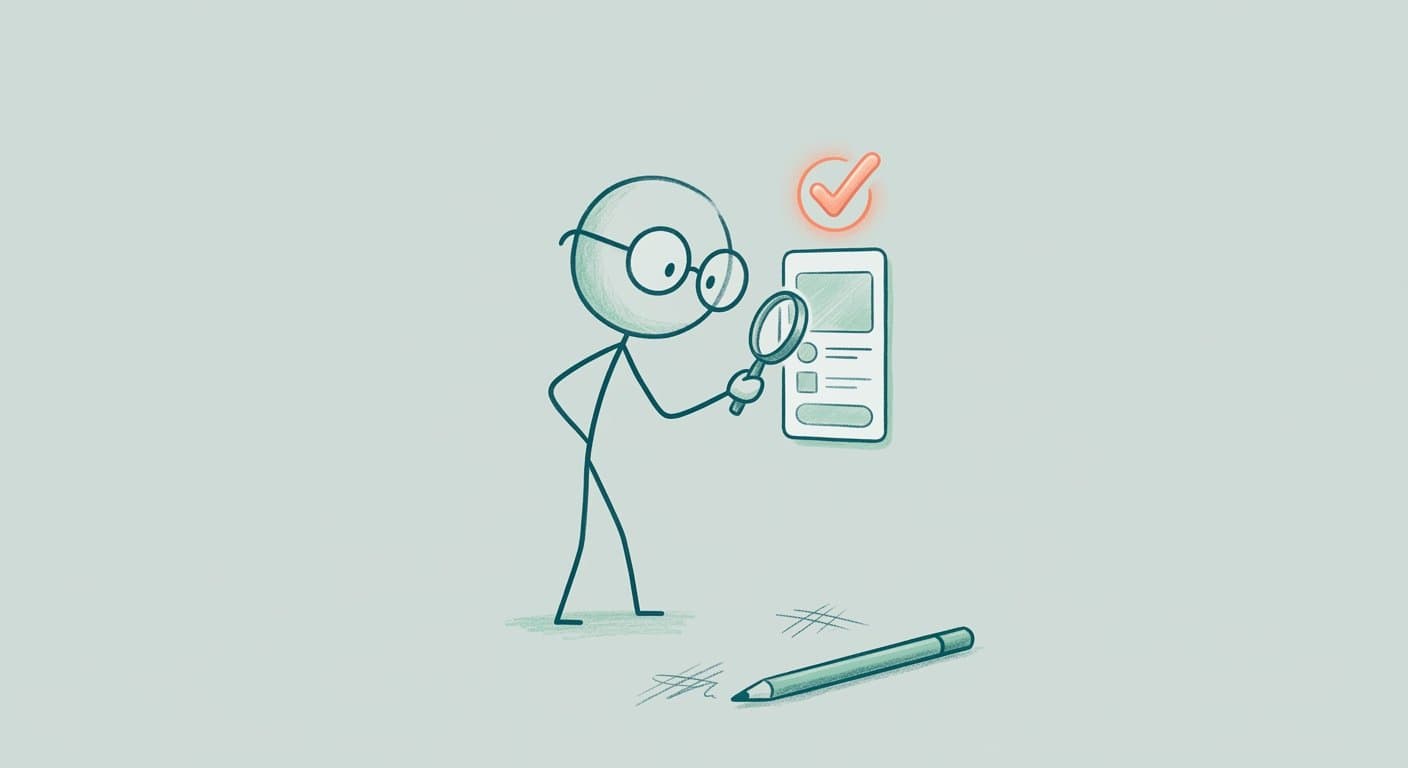
You spent an afternoon talking to an AI, and by the end you had an app that runs. That feeling is close to magic. Then comes the second moment, the quieter one: you sit in front of the “Go live” or “Share link” button, and something in you hesitates. That has nothing to do with laziness. Part of you simply knows you have not actually tested your vibe-coded product yet.
I know this hesitation well: a prototype that genuinely impresses, and right next to it the question nobody says out loud, “do I actually dare to ship this?” It is a real signal, not a reason to feel bad about yourself. The same uncertainty used to take longer to show up, simply because a prototype took weeks to build. Now it shows up on the same afternoon, so the hesitation arrives just as fast.
Let me say this upfront: this is not a technical deep dive into code quality, other voices can do that better. This is about testing vibe-coded software in the one way that only you can actually do it, without having to learn to program or hire a QA team. That is what this is about.
If the AI writes the code, what is left for you?
The acceptance. Not the code itself.
The human is, practically speaking, out of code generation. That is the actual point of vibe coding. But being out of the writing does not mean being out of the responsibility. What remains is the acceptance, and that cannot be outsourced, not even to the same AI that wrote the code. An AI can tell you whether something works. Whether it feels right, whether it matches you, and whether it actually solves the problem you meant, that is something you have to judge yourself.
Three questions carry that acceptance:
- Does this feel right? Would I be proud to show this to someone?
- Does it reflect my brand? Or does it sound and look like some generic template?
- Does it actually solve my customers' problem? The exact reason someone comes to me in the first place, not just something plausible.
Those are questions of taste, judgment, and relationship, not technical ones. And that is exactly why no agent can take them off your hands, no matter how good it has gotten.
The human is out of the code. But the human stays in the decision of whether it actually fits.

What if this exact acceptance, the part that gets skipped first when vibe coding moves fast, is your biggest lever? It lets you keep the pace without losing control. No blame. No drama. Just a habit of looking you build once and then keep applying.
And here is something that can actually work in favor of a small team: you do not need a dedicated QA department for this, and you do not need deep technical expertise either. What you need is your own judgment, and nobody else has that anyway.
What I bring from my own work as a software architect is a conviction, not a universal truth: speed and trust are not mutually exclusive. They only become mutually exclusive when the acceptance step sits in the wrong place, meaning nowhere at all.
How do you test vibe-coded software before it goes live?
In four passes: a function check, a feel check, a brand check, and a problem check. An AI can take the first one off your hands. Not the other three.
Function check. Does the app fundamentally do what it should? Are there obvious errors when clicking through it the first time? In software engineering, this first, simplest layer is called a smoke test, more on that in a moment. AI code rarely fails at syntax, it fails at hidden assumptions, which is why a second, systematic look is worth it here. The tool you actually built with already matters at this stage: some vibe coding tools give you more control and visibility into what is actually being created than others. In “5 Underrated Vibe Coding Tools” I rated five of them by exactly that question, what is actually yours in the end.
Feel check. Go through it yourself the way a customer would. Does using it feel right? Is it clear what to do next? Would I be proud to show this to someone right now?
Brand check. Do language and tone reflect what you stand for? Does the visual style match your brand, or does it look and sound like an interchangeable template?
Problem check. Does this actually solve your customers' problem, not just a plausible, different one? The best way to check that is with real users, and failing that, an honest look through their eyes.
Try it yourself: click through the four passes below and check off what you have already reviewed on your own prototype.
The Test Pass
Click through the four passes and check off what you have already reviewed.
You can even delegate the function check to AI agents, with a clear checklist instead of a vague “take a look at this.” For the details of what such a checklist looks like, and how two AI agents can split the roles of attacker and curious first-time user, I walked through it step by step in “Small Teams and Automated QA”. The other three passes stay with you, that is the job that remains once the AI takes the writing off your hands.
What sets acceptance apart from a technical code review?
A code review checks whether the code is correct. Acceptance checks whether the result is right for you and your customers.
That is a fundamentally different angle. A code review asks: does this work? Acceptance asks: is this right, in every sense of the word, technically correct and yours at the same time? A prototype can pass one check and fail the other. It can be technically clean and still miss your brand entirely. Or it can feel exactly right and still trip over a small thing a function check would have caught immediately. That is why you need both, and why neither one is optional.
And “does this work?” is itself already more than it sounds. Professional development looks for bugs at the code level, and for technical debt, meaning code that runs fine today but turns into a problem tomorrow. The simplest layer of that is called a smoke test, a term with a nice origin story from electronics: a device passed its very first test if it did not start smoking when you switched it on. Applied to software, that means: does it even run without immediately catching fire? After that come, among other things, regression tests, which make sure a new change does not quietly break something that used to work, and those belong in professional development as a matter of course. Nothing in this article is meant to suggest that a working, vibe-coded app therefore does not need testing, the opposite is true. What that technical foundation of smoke tests, regression tests, and more actually looks like in practice will get its own article. Here, the focus is deliberately on the layer that comes after.
Software engineering has had this distinction for a long time, just under a different name: verification checks whether you built the thing right. Validation checks whether you built the right thing. Your function check is verification. Feel, brand, and problem are validation, and no tool on earth could do that part for you even before vibe coding.
Exactly that double look is where the trust gets built that you would not have otherwise.
How much effort does testing really take?
Considerably less than a rebuild after launch costs.
Take a small example: a solo founder, let's call her Marlene (fictitious name), vibe coded a booking app over a weekend. The four passes above take maybe an hour, most of it the feel and brand check, because those deserve the most care. A problem that only shows up after launch, because the app works but misses what customers actually need, costs weeks instead: rebuilding, re-explaining, and lost trust with everyone who already tried it once.
That one hour, honestly calculated, is the cheapest part of the whole equation.
So what does this mean for you?
Testing your vibe-coded software is not a detour from speed. It is how you keep it.
One concrete first step: take ten minutes and go through your most important screen the way a real customer would. Does this feel right? Would I be proud to show this? Does it actually solve what they need? Ten minutes, three questions, that is the start.
And the nice part: once it becomes a habit, every next prototype you build gets more reliable automatically, without you getting any slower. That is also the actual difference between a prototype that ends up in a drawer after the demo, and one that turns into a product you keep building on, sell, or hand to your team.
If you are sitting in front of something vibe-coded right now and are not sure whether it holds up, I turn that into a Production Readiness Check, an honest outside look at exactly the points covered here. And if that turns into a solid rebuild, I walk that road with you.
All names of individuals and companies used in this article are fictitious. Any resemblance to real persons or businesses is purely coincidental and unintentional. The examples are provided solely for illustrative purposes.
Related to This Topic
Get the free Getting Started Guide: 10 concrete ways to start using AI productively tomorrow.
Did this article spark an idea? Let's find out which Sinnvampire can disappear for you.