 software-architecture.ai
The numbers you work with live in emails, and someone retypes them into your spreadsheet every single day.
Every morning from the inbox into the sheet: extracting email data automatically

Short answer
A workflow reads every incoming email of a given kind, pulls out the fields you defined in advance, checks them against fixed rules and writes them into your existing Google Sheets database. Anything it cannot read with confidence goes into a review list instead of into the row.
The scene you know
Katrin (fictitious name) runs a small spare-parts business, nine people. Orders arrive as email: some directly from customers, some as confirmations from two ordering portals, plus the shipping notices from manufacturers. Everything lands in the shared inbox, and all of it is perfectly readable text. Just spread across forty-eight separate messages instead of one overview.
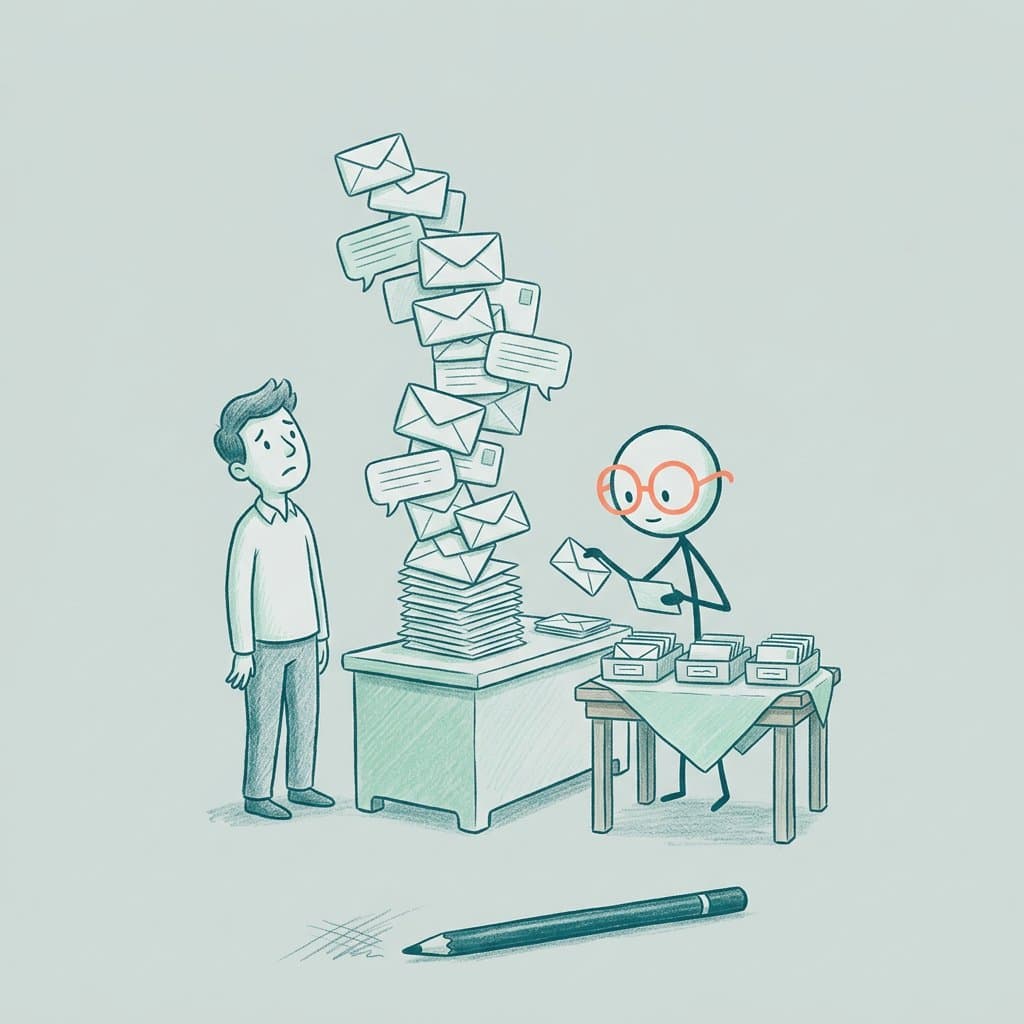
So every morning between half past seven and nine, Nadja (fictitious name) sits in front of two windows side by side. On the left the inbox, on the right the Google Sheets database holding order number, customer, item, quantity and delivery date. She reads, she copies, she types. That sheet is the basis for route planning, for restocking, for the conversation with a customer on the phone. It is the heart of the operation, and it is filled in by hand.
The problem shows up most clearly on two days a year. The day Nadja is ill and the sheet still shows yesterday's state at lunchtime. And the day a quantity of 120 becomes 12 in the sheet, nobody notices, and three weeks later there is one pallet too few in the yard.
Why retyping is the most expensive way to move data
The data is already digital. It just sits in a format built for people rather than for a spreadsheet: wrapped in salutations, prose, signatures and shifting layouts. The manual work lives exactly in that gap. It creates no new value, it moves existing values from one place to another, and something can break at every move.
This is the kind of task people are poorly built for and machines are good at. Not because it is hard, but because it is dull and still demands complete accuracy. Concentration drops off after the twentieth email, the accuracy requirement does not. A machine reads the forty-eighth message exactly as attentively as the first.
What actually gets freed up is more than the hour in the morning. It is the headspace. Starting the day with retyping means starting with a task that contains not one single decision. Take that part away and there is room for what really matters in that role: the call back to the customer whose delivery date does not work, or a second look at the order where the quantity looks odd.
And it is well-spent work, because the build does not end with one kind of email. Once the path from inbox to sheet runs cleanly, the second kind costs a fraction of the effort. That is why it pays to build phase one so phase two can attach to it.
What retyping actually costs
The lost hour a day is the visible part. The more expensive part appears in no time sheet.
The transposed digit surfaces three steps later
A typo in a quantity or a date travels on unnoticed: into route planning, into restocking, into a promise made on the phone. By the time it surfaces, several decisions rest on it, and the correction costs many times the half second in which it was made.
The sheet lags behind reality
Between the email at 2pm and the entry the next morning lie eighteen hours in which everyone works from a state that no longer holds. For answering a question on the phone or replanning at short notice, that gap is exactly where someone commits to something that is no longer true.
The path depends on one person
Which email belongs in which column, which sender writes dates the American way, which confirmation can safely be ignored: that knowledge sits in the head of the person who does it daily. During their holiday someone else takes over and does it differently, and afterwards two weeks of data no longer line up.
What people try that does not hold up
- Filters and labels in the inbox. They sort, but they extract nothing. You end up with tidy folders and still retype the same content, just better pre-sorted.
- A rigid parsing script that looks for fixed text patterns. It runs fine until a sender touches their template. As soon as a portal redesigns its confirmation email, the script either returns nothing or, far more unpleasant, the wrong value in the right place.
- Asking every sender to use a form instead. That works with your own people, not with customers and manufacturers. They keep writing emails, and now you maintain two paths instead of one.
- An off-the-shelf email parser you train on one example. It works for exactly one sender in exactly one layout. With real variety the hit rate drops, and there is usually no place to see which row came out of an uncertain reading.
- Pasting emails one by one into an AI chat and copying the result back into the sheet. That reads better than any regex, but it only moves the manual work somewhere else. In the end a person is still sitting between two windows.
How it is solved: one path from inbox to sheet, with validation at the boundary
At the core is a workflow that sits between your Gmail inbox and your existing Google Sheets database. A new email arrives, the workflow first decides whether it even belongs to the kind you care about. If it does, it reads the message, pulls exactly the fields you defined, checks them and writes a row. The sheet stays as it is. Nobody has to learn a new tool or log in somewhere else.
The first step is not a technical one, it is a content one: the field schema. Which fields should a row have, which of them are mandatory, which formats are allowed, what is plausible and what is definitely wrong. A delivery date in the past is not a value you simply accept. That schema is the contract everything else runs against, and it is also where the later phases attach.
The extraction itself is done by a language model, because it handles exactly the variability that breaks rigid patterns: a polite opener before the order number, a date written 03.09. one time and September 3rd the next, a quantity sometimes in a table and sometimes mid-sentence. The model proposes values, but it does not decide whether they are valid.
That decision belongs to a hard validation step behind it. If a mandatory field is missing, a format does not fit or a value falls outside what is plausible, the row is not written but flagged for review, along with which field failed and what the email said. So instead of quiet data debris you get a short list a person can work through in two minutes. Exactly the cases where a person is genuinely needed.
Two more things make the difference in daily use. First a unique key per record, so the same email does not land in the sheet a second time after a forward or a restart. Second a log tab: which email was read when and how, which fields came out of it. When a number looks odd, you can see where it came from in thirty seconds instead of searching the inbox.
This is built as a workflow in n8n, in clearly separated steps: fetch the mail, pre-filter, extract, validate, write, log. Each step is traceable on its own and replaceable on its own. When a sender changes their layout four months from now, one step gets sharpened rather than the whole thing rebuilt.
Phase one is deliberately one kind of email end-to-end, rather than five kinds halfway. Only once that single path has run cleanly for two weeks in real use does the next source get added. Because the schema and the validation already exist by then, every further kind is considerably faster than the first. The same holds for the steps after that: data from PDF attachments, enrichment from public sources, or the move from the sheet into a real database once the volume calls for it.
When you do NOT need this
- If you are dealing with a handful of emails a day. Typing five rows takes four minutes, and the build does not pay off yet.
- If the source also hands out the data in structured form, as a CSV export or through an API. Then connecting to it directly is the better path, and email extraction would be a detour through the human-readable format.
- If every email looks completely different and no shared field schema emerges. Then that is a question about your process first, not about technology.
- If the sheet is barely used in the end anyway. Then you would be automating the filling of something nobody reads, and the more honest answer is to retire the sheet.
How we build this concretely
This is a tailored extraction workflow: from the Gmail inbox into your existing Google Sheets database, for one kind of email, built through completely. We start with the kind that causes the most retyping for you, so the effect is felt in daily work immediately.
The intent behind it: the workflow takes over the transfer, not the responsibility for the data. What it cannot read with confidence it does not write, it puts it in front of you. Better one review case too many than one wrong number nobody notices.
This is a starting point, not a rigid package, and it is explicitly designed for further phases. Just reach out, then we look at your emails together and decide which fields really count in phase one.
Email-to-sheet workflow
the data moves, the retyping goes awayPhase 1: one kind of email end-to-end
- Field schema defined together: which fields, which are mandatory, which formats, which plausibility rules
- Connection to your Gmail inbox with a pre-filter for which emails get processed at all
- Extraction via a language model, robust against changing layouts and notations
- Hard validation at the boundary, uncertain cases go to a review list instead of into the data
- Writing into your existing Google Sheets database, with a unique key against duplicate rows
- Log tab for traceability: which email was read when and how
We take your most common kind of email and build the path through completely. Once phase one has run cleanly for two weeks, further kinds, PDF attachments and, if needed, the move into a real database get added.
Common questions
- Do we have to restructure our sheet for this?
- No. The workflow writes into the structure you already have. If defining the field schema reveals that a column is missing or that two columns mean the same thing, we talk about it, but restructuring is not a prerequisite.
- What happens when a sender changes their layout?
- That is exactly why a language model reads the message rather than a rigid text pattern: rewordings and moved blocks usually survive without any change. If a layout changes so much that a mandatory field is missing, the row is not written but reported for review. So you find out the same day rather than three weeks later.
- How do we know the data is correct?
- From three places: the validation that checks mandatory fields, formats and plausibility, the review list holding everything that was not clear-cut, and the log tab that records which email each row came from. For the first few weeks it makes sense to run it alongside the manual work, so you see the hit rate on your own material before you rely on it.
- Is Google Sheets enough as a database?
- For the first phase it usually is, and it has the advantage that everyone already knows it. If row count, concurrent editing or reporting outgrow it, moving to a real database is a later step. Because the field schema already exists by then, you swap the destination rather than the whole path.
- What about data protection if an AI reads our email?
- That belongs at the start, not at the end. Concretely: a data processing agreement for every tool involved, a deliberate decision about which fields go to a model at all, and pseudonymisation beforehand where it fits. If the data is particularly sensitive, a self-hosted model is an option, and then the content never leaves your environment.
- Can the workflow also read attachments, for example PDF invoices?
- Yes, technically it is the same path with one extra step in front. In phase one we usually leave it out on purpose, so that one path runs cleanly before the next source is added.
All names of individuals and companies used in this use case are fictitious. Any resemblance to real persons or businesses is purely coincidental and unintentional. The examples are provided solely for illustrative purposes.