 software-architecture.ai
AI Tools Compared 2026: What Is Actually Worth It for SMBs
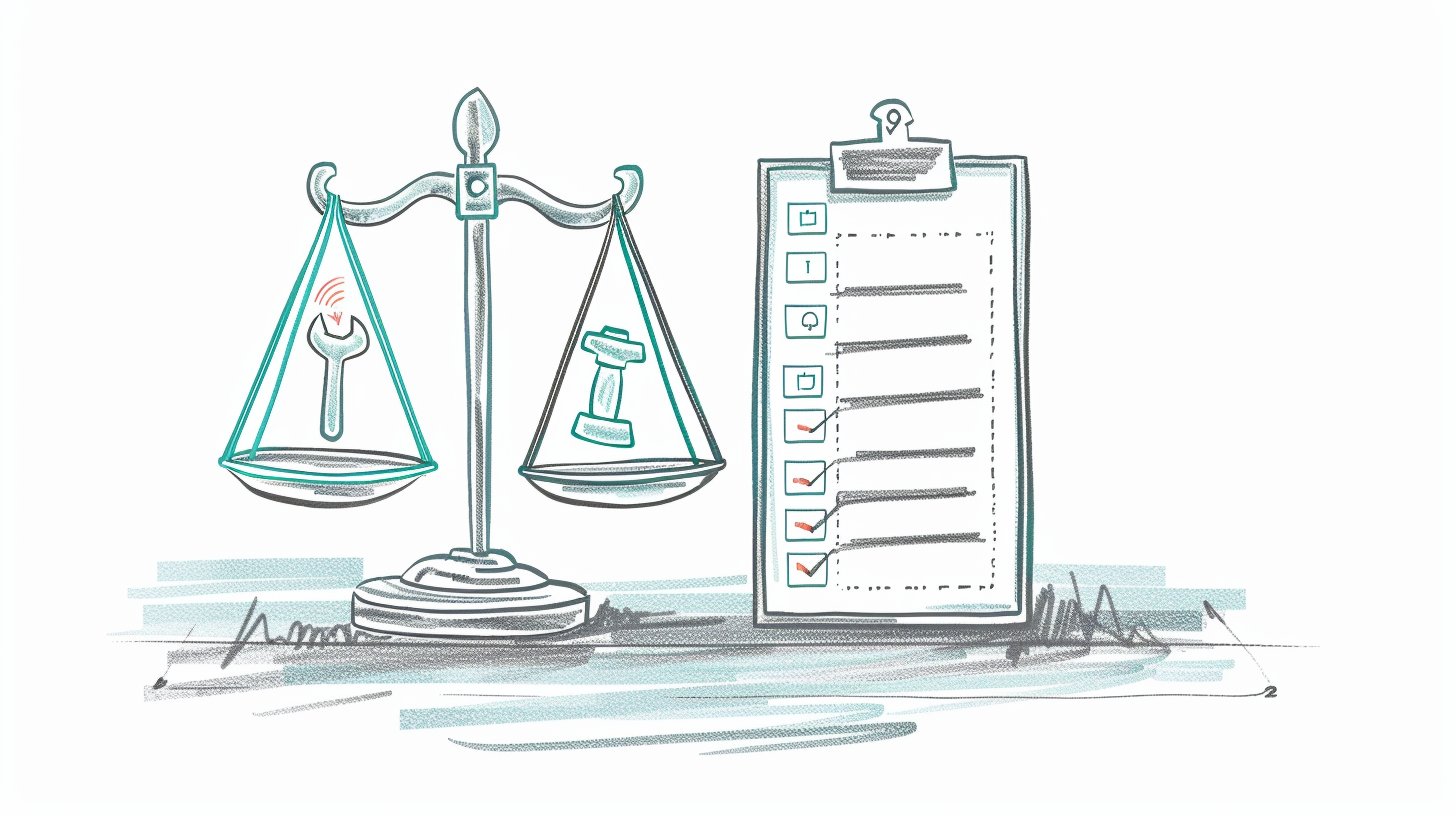
A new AI tool every week, a new hype cycle every week. If you run a small business and want to use AI effectively, you know the feeling: you have barely gotten comfortable with one tool before the next one shows up, claiming to do everything better. The disorientation is real. Teams either stick with a single tool because switching feels too costly, or they never get started at all because the options are overwhelming.
This article is an honest overview as of February 2026. No ads, no affiliate links. Just a classification by use case, the way they actually come up in the daily operations of small and mid-sized businesses.
The Market Has Sorted Itself Out. A Little.
The good news: after two years of gold rush, the AI market has partially consolidated. For the moment, there are clearer categories, and in each category a handful of serious players. The less good news: the field remains extremely fast-moving. What is the best option today could be outdated in three months. Anyone who tries to always use the newest tool turns that into a full-time job. And that is exactly what a small business cannot afford.
That is why the most important question is not “Which tool is the best?” but rather: “Which one fits my specific workflow?” A tool that is perfect for a marketing team can be completely useless for an engineering firm. Instead of a ranking, what you need is a classification by use case.
Text and Communication
This is the area where most SMBs first encounter AI: drafting emails, writing proposals, creating website copy, preparing internal documentation.
- ChatGPT (OpenAI): Still the most well-known all-rounder and, in my view, currently ahead when it comes to reasoning. The Pro models on the higher pricing tiers (beyond 200 euros per month) are exceptionally strong for complex scientific and analytical tasks. For everyday text, the more affordable models are perfectly sufficient, but if you truly need deep analysis, OpenAI currently offers the strongest reasoning.
- Claude (Anthropic): I use Claude extensively myself, and for good reasons. The Opus model is outstanding for software development and creative writing. Its context processing is industry-leading, which makes a real difference when working with extensive documents. For consulting documents and technical analyses, it is my first choice.
- Gemini (Google): Well integrated into the Google ecosystem. If you already work with Google Workspace, you benefit from the seamless integration. In terms of pure text quality, it sits solidly in the middle of the pack.
My advice: instead of declaring one tool the “winner,” it is worth testing two of them in parallel. Most offer free tiers that are sufficient for a realistic comparison. What matters is not which model leads the benchmarks, but which one fits best into your daily workflow.
Image Generation
For many SMBs, image generation is the second most important use case: social media posts, presentations, website graphics, product visualizations.
- Midjourney: Delivers visually very compelling results that often have a slightly artistic touch, which has become famous within the Midjourney community. If you are looking for a specific aesthetic style, you will often find what you need here faster than elsewhere. Paid from the first image, accessible via Discord or the web interface.
- DALL-E (via ChatGPT): Easy access, solid results. Especially practical if you already use ChatGPT and quickly need an image within a conversational flow.
- Nano Banana Pro (Google): Google’s image generation based on Gemini 3 Pro is currently among the strongest models. Particularly impressive: swapping and editing elements in existing images. If you already work within the Google ecosystem, you additionally benefit from seamless integration with Workspace and Gemini.
An important note: the legal framework around image generation has not been fully settled yet. For commercial use, I recommend reading the terms of service carefully and erring on the side of caution, especially with images depicting people or recognizable brands.
Coding Assistance
Even if not every SMB develops software: anyone who maintains a website, builds automations, or customizes internal tools benefits enormously from AI-powered coding help.
- Copilot, Cursor, Windsurf: The three major IDE agents have converged significantly by now. All offer agentic capabilities: code completion, context-aware suggestions, and the ability to make larger changes across multiple files. Which one fits best depends more on your preferred editor and ecosystem than on fundamental differences in functionality.
- Claude Code: For more complex technical tasks involving architecture decisions and the interplay of multiple components. It works directly in the terminal and can analyze and modify entire projects. Especially useful for larger refactorings or when you need to understand an existing codebase.
- Open Code and other open-source agents: For teams that want full control over their development tools, there are open-source alternatives like Open Code. These agents are capable but require more technical understanding to set up. Particularly interesting for data-sensitive environments or when existing workflows do not fit into a commercial ecosystem.
Important: none of these tools replaces the understanding of what the code is supposed to do. They accelerate implementation, but responsibility for quality and security remains with humans.
Automation and Workflows
This is where things get especially interesting for SMBs. Combining AI with automation tools enables processes that previously required custom software development.
- Make (formerly Integromat): A visual workflow builder with strong AI integration. Well suited for teams without programming skills. The visual interface makes complex processes easy to follow.
- n8n: An open-source alternative that can be self-hosted. Especially relevant for teams with data privacy requirements, since the data never leaves your own infrastructure. Requires a bit more technical understanding than Make.
- Zapier with AI features: The market leader for simple integrations. Now includes built-in AI steps that can summarize, categorize, or transform text. For simple automations, often the fastest solution.
The biggest leverage is not in any single tool but in the combination. A workflow that uses AI to categorize incoming emails, extract relevant information, and store it in a structured format in the CRM can save a two-person team several hours per week. Solutions like these are technically feasible today.
Specialized Tools Worth Considering
Beyond the major categories, there are tools for specific tasks that can be surprisingly useful for SMBs:
- NotebookLM (Google): Upload documents and create an interactive knowledge base from them. Excellent for research, onboarding new employees, or when you need to quickly get up to speed on a complex topic.
- Local models (Ollama, LM Studio): For data-sensitive applications, AI models can be run entirely locally. Performance does not match the large cloud models, but for internal tasks like summarizing documents or simple text generation, it is a privacy-friendly alternative. Models like Llama or Mistral run on affordable hardware. Important: if you want to host locally, you need to plan for an upfront hardware investment. It is not cheap, but a meaningful return on investment can definitely materialize, especially when sensitive business data is involved.
Data Privacy: A Topic You Cannot Ignore
Especially for European SMBs, data privacy is not a side issue. When you enter customer data, internal documents, or trade secrets into an AI tool, you should know where that data is processed and whether it is used for training. Most major providers now offer EU hosting and options to opt out of training on your data. But you have to actively look for these settings, because the defaults are not always privacy-friendly.
For particularly sensitive areas, such as health data or financial information, local models or European providers may be the better choice, even if they come with trade-offs in raw performance.
The Meta-Skill: Learning to Evaluate Tools
The honest truth is: every specific tool recommendation in this article could be outdated in six months. What endures is the ability to evaluate new tools quickly and systematically. Three questions help with that:
- Does this tool solve a concrete problem I have today? Not “it might be useful someday,” but: is there a task that regularly costs me or my team time, and that this tool demonstrably speeds up?
- How high are the switching costs? Can I test the tool without restructuring my existing processes? Can I get my data back out if I want to switch?
- Where does my data end up? Is it used for training? Is there EU hosting? What does the privacy policy actually say?
Anyone who can answer these three questions makes better decisions than someone who simply follows the latest trend.
Conclusion: Your Personal Toolkit Instead of the Perfect Solution
There is no single best AI tool for SMBs. There is the right set of tools for your specific daily work. For some, that means ChatGPT plus Make for automated workflows. For others, it is Claude for text work and n8n for privacy-compliant automation. The combinations are as diverse as the businesses themselves.
The key is not to get stuck in analysis paralysis. Pick one concrete use case that regularly costs you time. Test two tools for it, one week each. Then decide based on your own experience rather than benchmarks that have little to do with your daily work.
If you need support putting together the right toolkit for your business: that is exactly one of the focus areas in my AI coaching. Not abstract tool lists, but a selection that fits your processes, your team, and your data privacy requirements.
Related to This Topic
Get the free AI Starter Guide: 10 concrete ways to start using AI productively tomorrow.
Did this article spark an idea? Describe what you have in mind.